API

Hate XML? You'll love Heyaoi Micro's API.
Read
Just GET these simple files:
- https://micro.heyaoi.online/p/1.txt: Plain text contents of post #1. IDs start at 1.
- https://micro.heyaoi.online/p/1_werc/tags: Post #1's tags. One per line.
- https://micro.heyaoi.online/p/1_werc/filetype: Post #1's file extension. Use it to determine the location of the file attachment below.
- https://micro.heyaoi.online/p/1_werc/file.*: Post #1's file attachment. For example, if
filetypeabove returnspng, fetchfile.png. - https://micro.heyaoi.online/p/1_werc/spam: Number of times post #1 has been flagged as spam.
- https://micro.heyaoi.online/p/1_werc/replies/0: Plain text contents of reply #0 to post #1. IDs start at 0.
- https://micro.heyaoi.online/p/1_werc/postnum: Post #1's most recent reply ID, or number of replies minus 1.
- https://micro.heyaoi.online/postnum: Most recent post ID, or total number of posts (not including replies).
- https://micro.heyaoi.online/_werc/tags/tokumei: IDs of all posts tagged with #tokumei. One per line.
- https://micro.heyaoi.online/_werc/trending: Space-separated list of the top 10 trending tags.
You can check the modify timestamp in a post or reply file's metadata to see the day it was created. The exact time is stripped to improve anonymity.
Write
Just POST these fields to https://micro.heyaoi.online/p/:
New post
comment: the post text
tags: comma-separated tags (optional)
file: file attachment URL (optional)
password: deletion password (optional)Reply
comment: the reply text
parent: the post to reply to
Examples
Working with Heyaoi Micro's API in another language? Send some example code to admin@heyaoi.online and we'll add it here.
rc shell
Get the text of every post tagged with #tokumei:
for(i in `{curl https://micro.heyaoi.online/_werc/tags/tokumei})
    curl https://micro.heyaoi.online/p/$i.txt
Get the approximate creation date of post #1 in seconds since Epoch:
wget https://micro.heyaoi.online/p/1.txt
stat -c %Y 1.txt
Create a new post:
curl -d 'comment=First line%0ASecond line' \
     -d 'tags=firsttag, secondtag' \
     -d 'file=https://example.com/file.png' \
     -d 'password=supersecret' \
     https://micro.heyaoi.online/p/
Reply to post #1:
curl -d 'comment=First line%0ASecond line' \
     -d 'parent=1' \
     https://micro.heyaoi.online/p/
Java / Qt Jambi
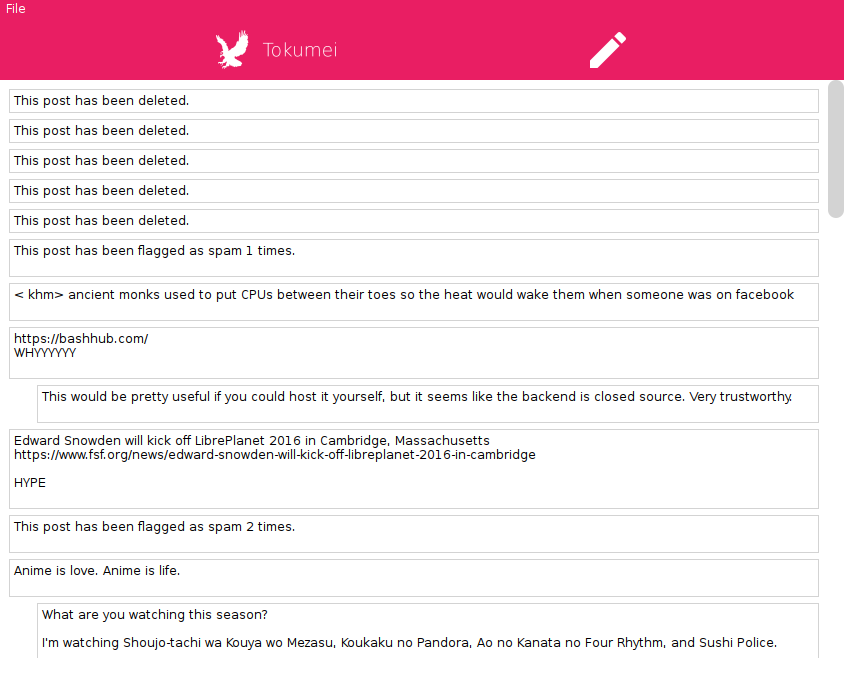
There is a partial reference client in Java: Toqumei.